Pick an Agent
An agent buys items from Chinese sellers and ships them to you. We recommend KakoBuy — it's easy to use and gives you $400+ in shipping coupons just for signing up through our link.
Sign Up & Get Coupons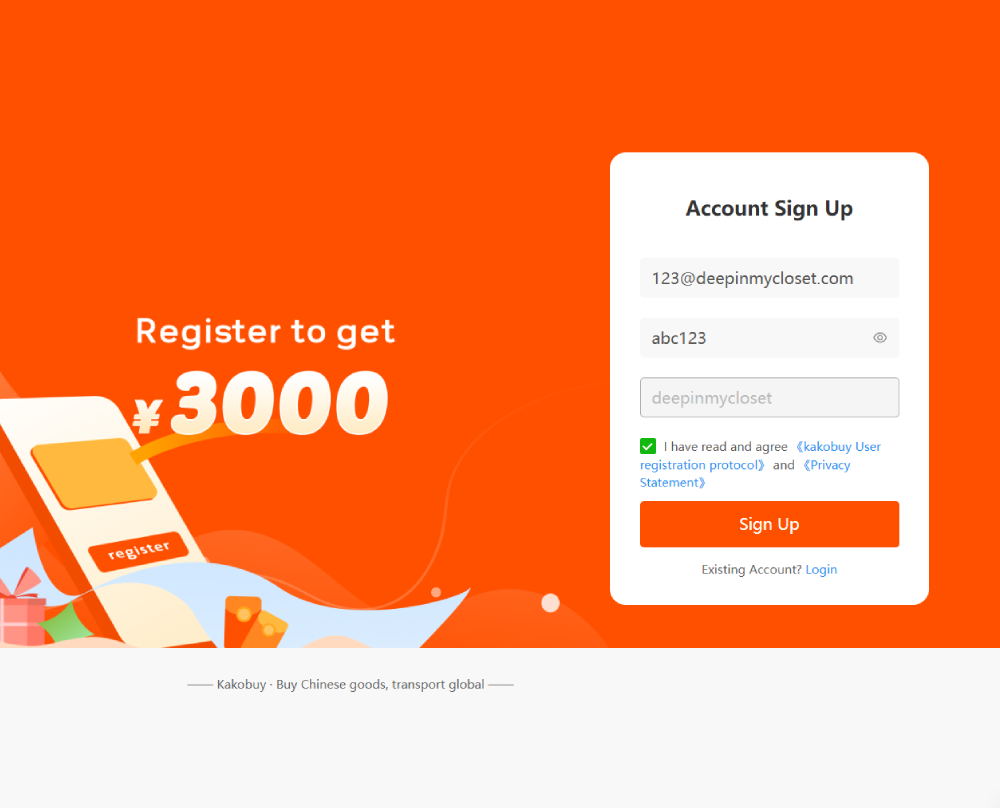
Find Your Items
Browse the spreadsheet on this site to find products with direct KakoBuy links. To find QC photos to see what the item actually looks like, click "view QC Photos".
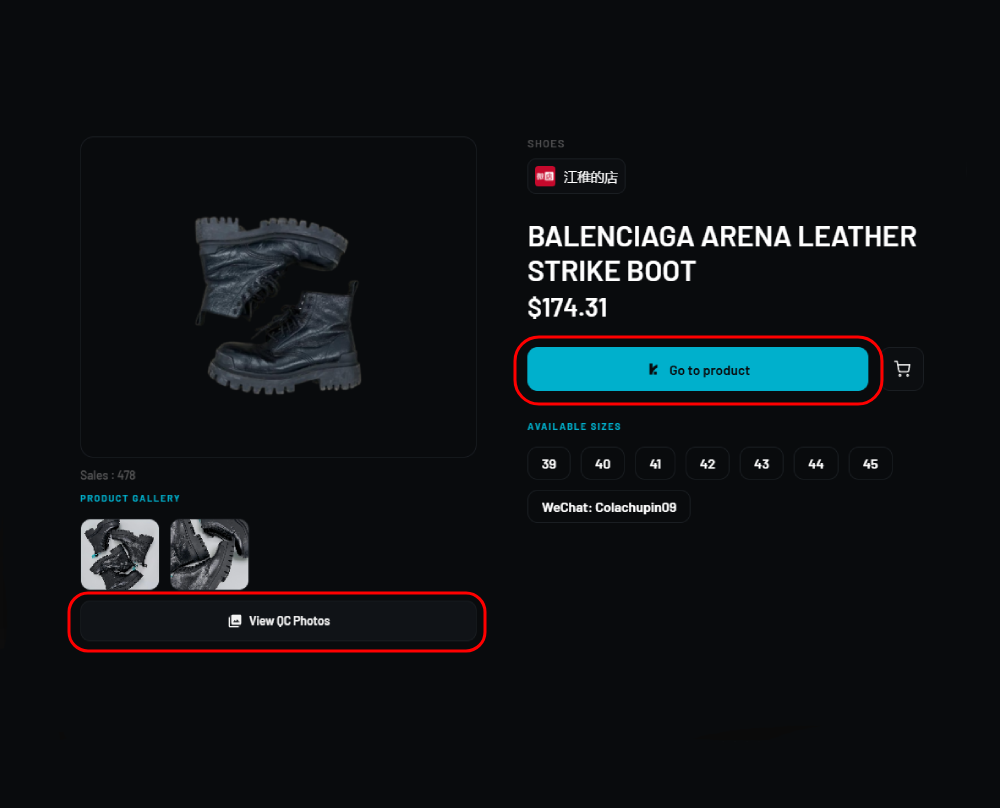
Open on KakoBuy
Click any product on the spreadsheet and it'll open directly on KakoBuy.
Check QC & Size
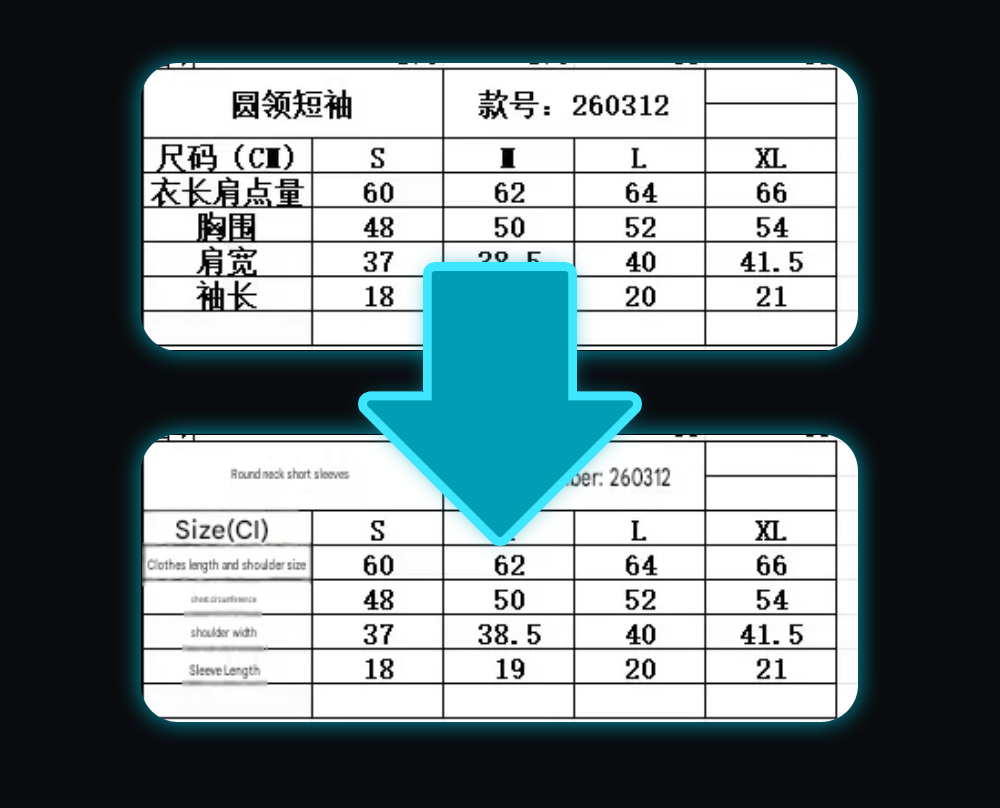
On the product page, pick your color and size. Go back to deepinmycloset and click "view QC Photos", these show what the item actually looks like. For clothing, always check the size chart. Use an image translator if it's in Chinese.
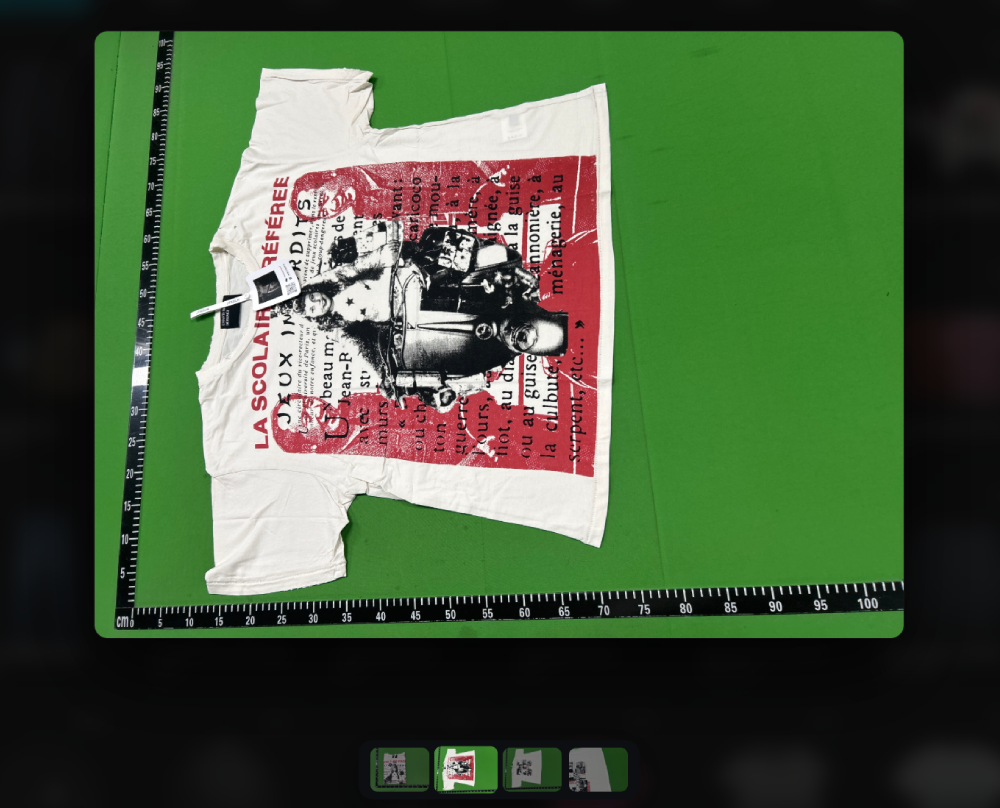
Size Chart
On shirts, hoodies and pants, always check the size chart you can usally find them under the product images. Chinese sizing runs small. If the chart is in Chinese, click it to auto-translate or paste it into an image translator like Google Translate.
Cart & Payment
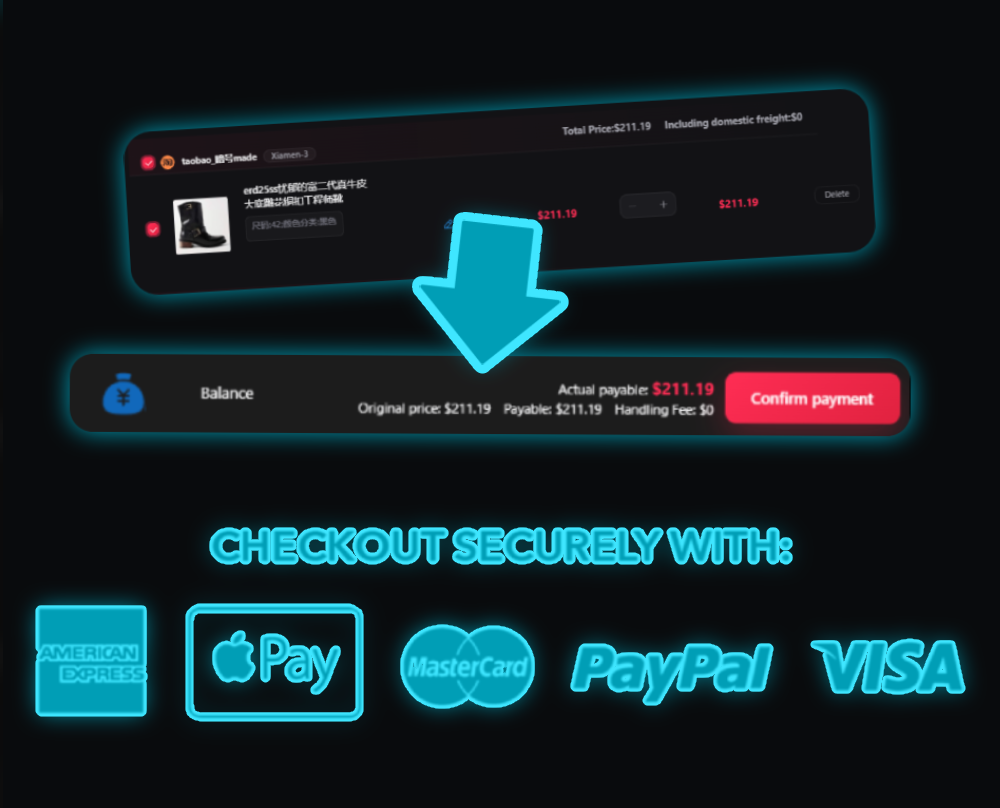
Add your items to cart, select them and hit Submit. Then pick a payment method — Apple Pay, PayPal, Google Pay all work. It's completely safe.
Item Arrives at Warehouse
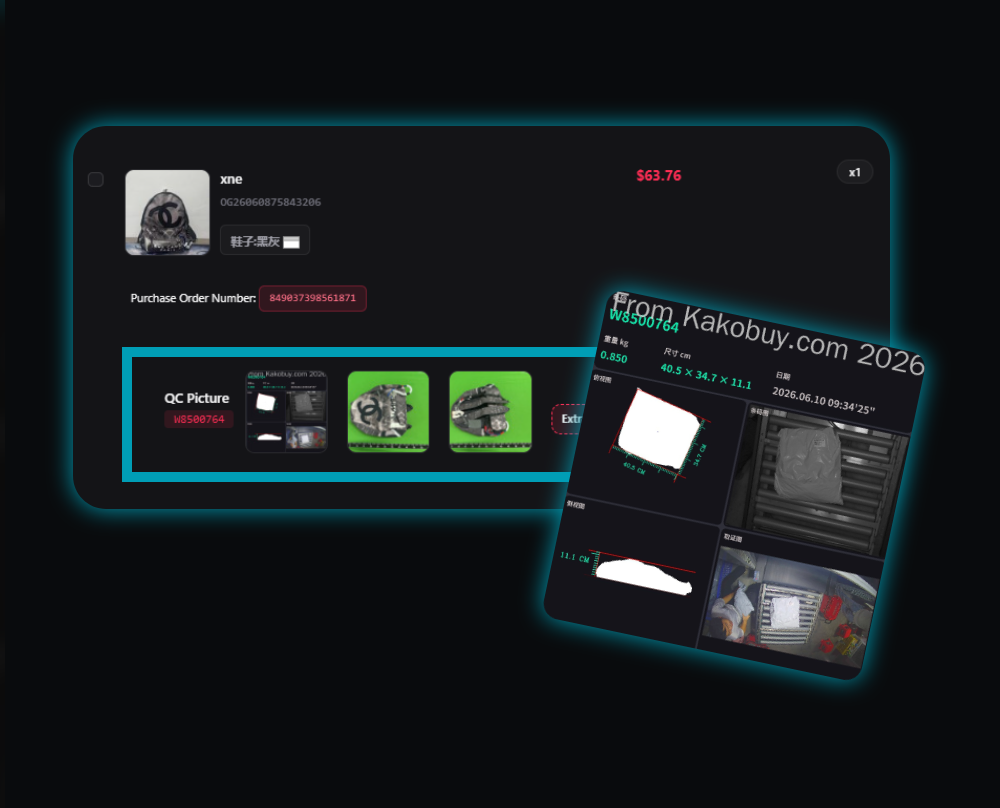
After paying, your order goes: Paid → Purchased → Shipped → Available for shipment. Once stored, you get free QC photos of your item. If you're unhappy with it, click Return Goods within 5 days.
Rehearsal vs Submit
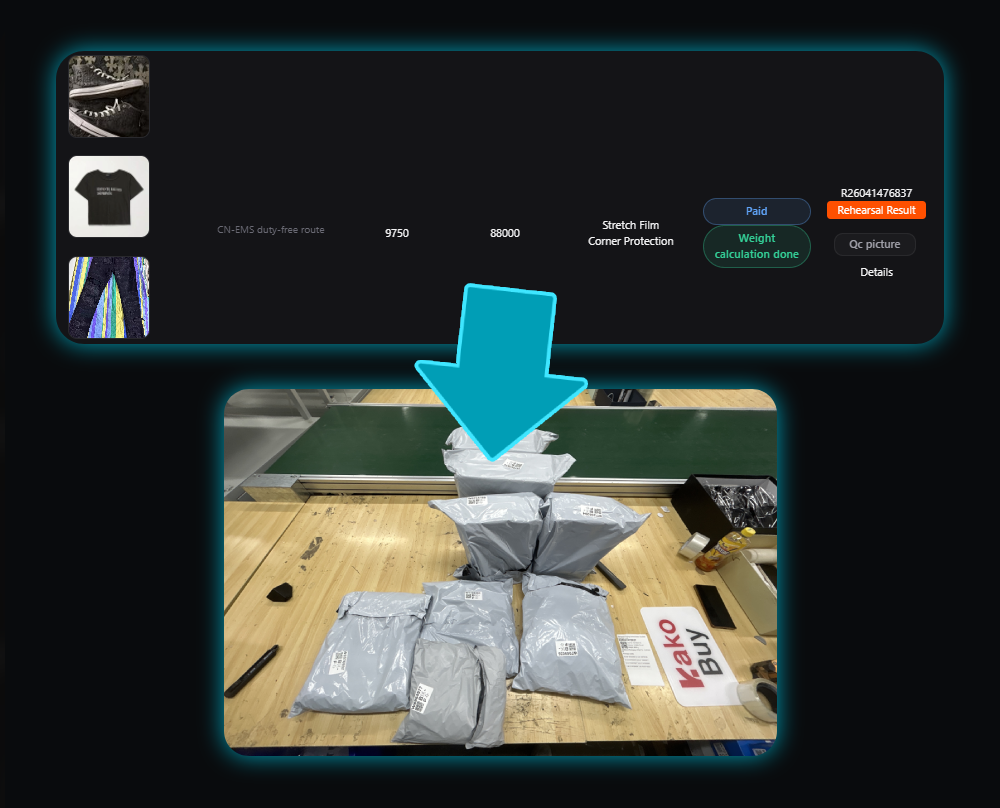
Rehearsal Packing measures your actual parcel weight and lets you fold or remove packaging (like shoe boxes) to save on shipping. Costs a few dollars but saves money long-term — recommended for US orders.
Submit ships immediately based on estimated weight. You get refunded if overcharged.
Packaging Add-ons
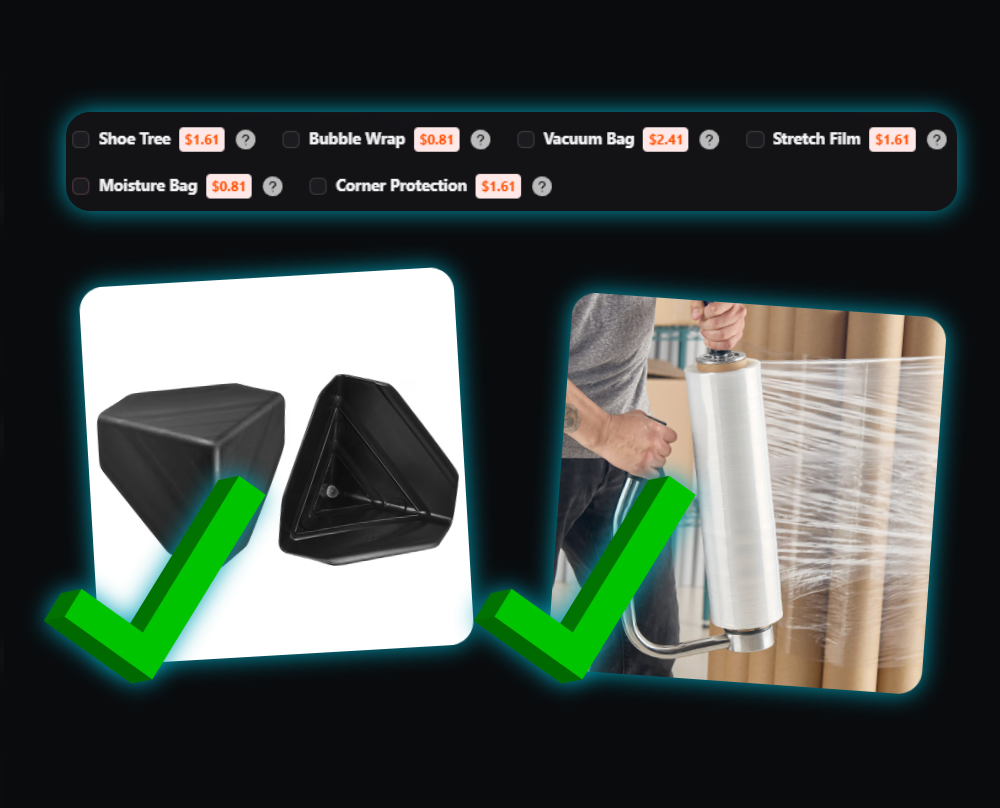
On the shipping page you can remove tags, remove packaging, or fold shoe boxes to cut weight. Best add-ons: Shoe Trees (if box is removed) and Stretch Film. For fragile items use Bubble Wrap or Corner Protection.
Delivery Route & Coupons
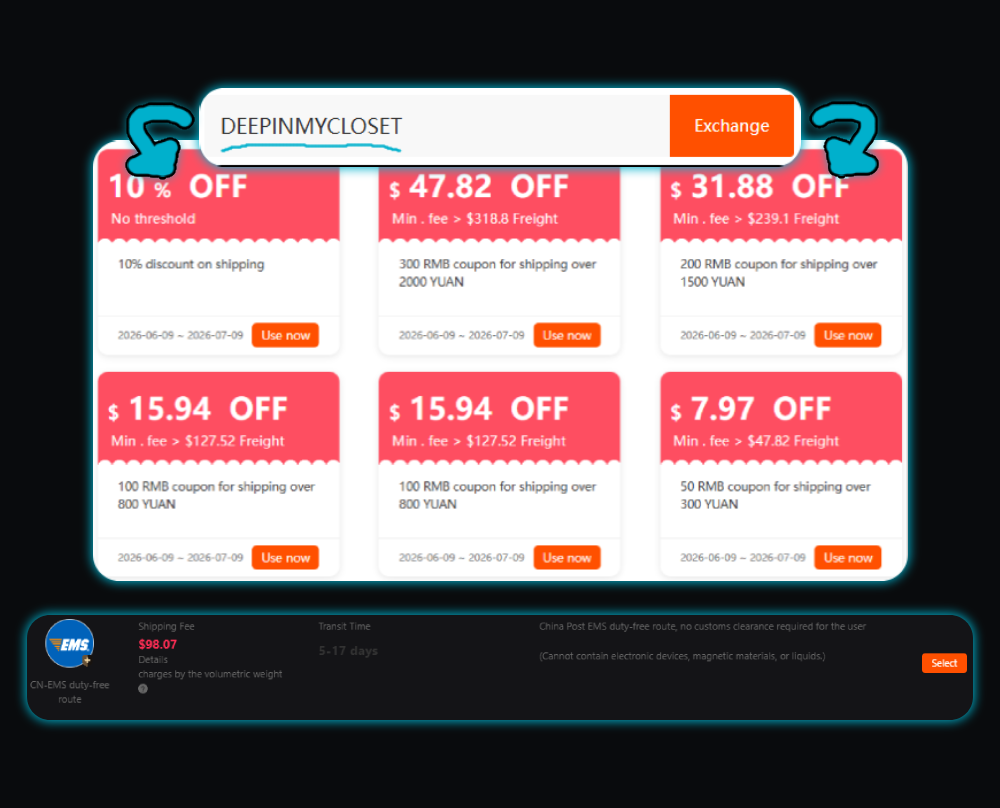
Choose a delivery route for your country, then apply a coupon before paying for your parcel. You earned those coupons when you signed up!
Tracking
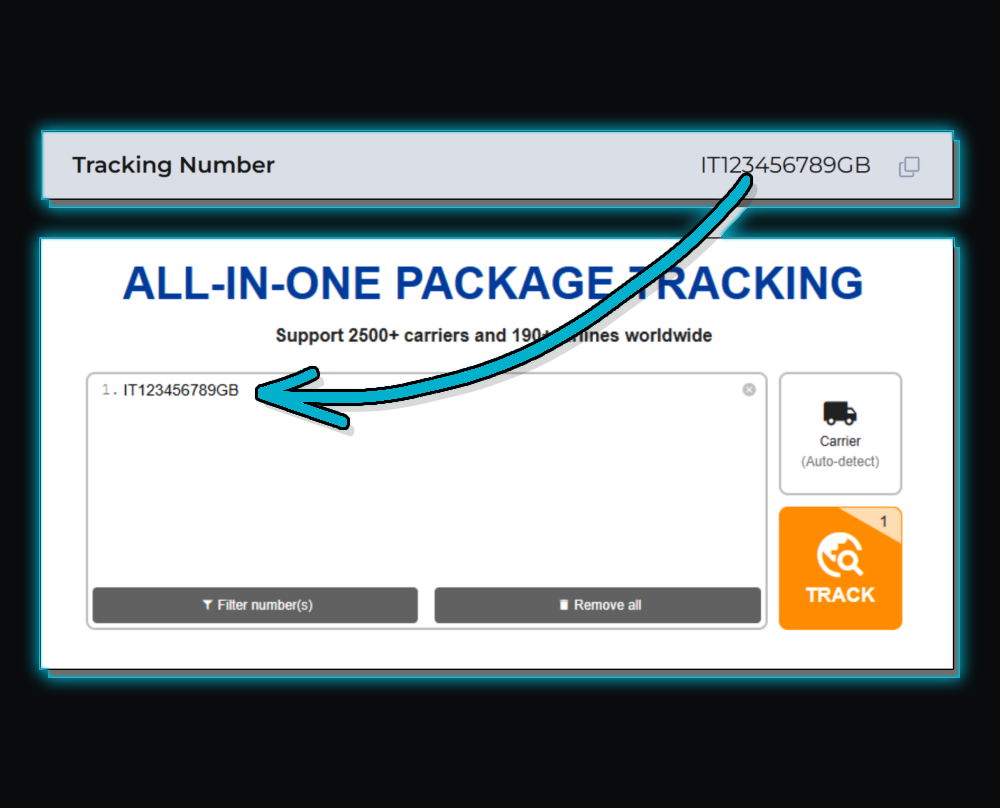
After paying, track your parcel on the KakoBuy website under Parcels → Parcel Details. For more accurate updates use 17Track — just paste your tracking number in.